

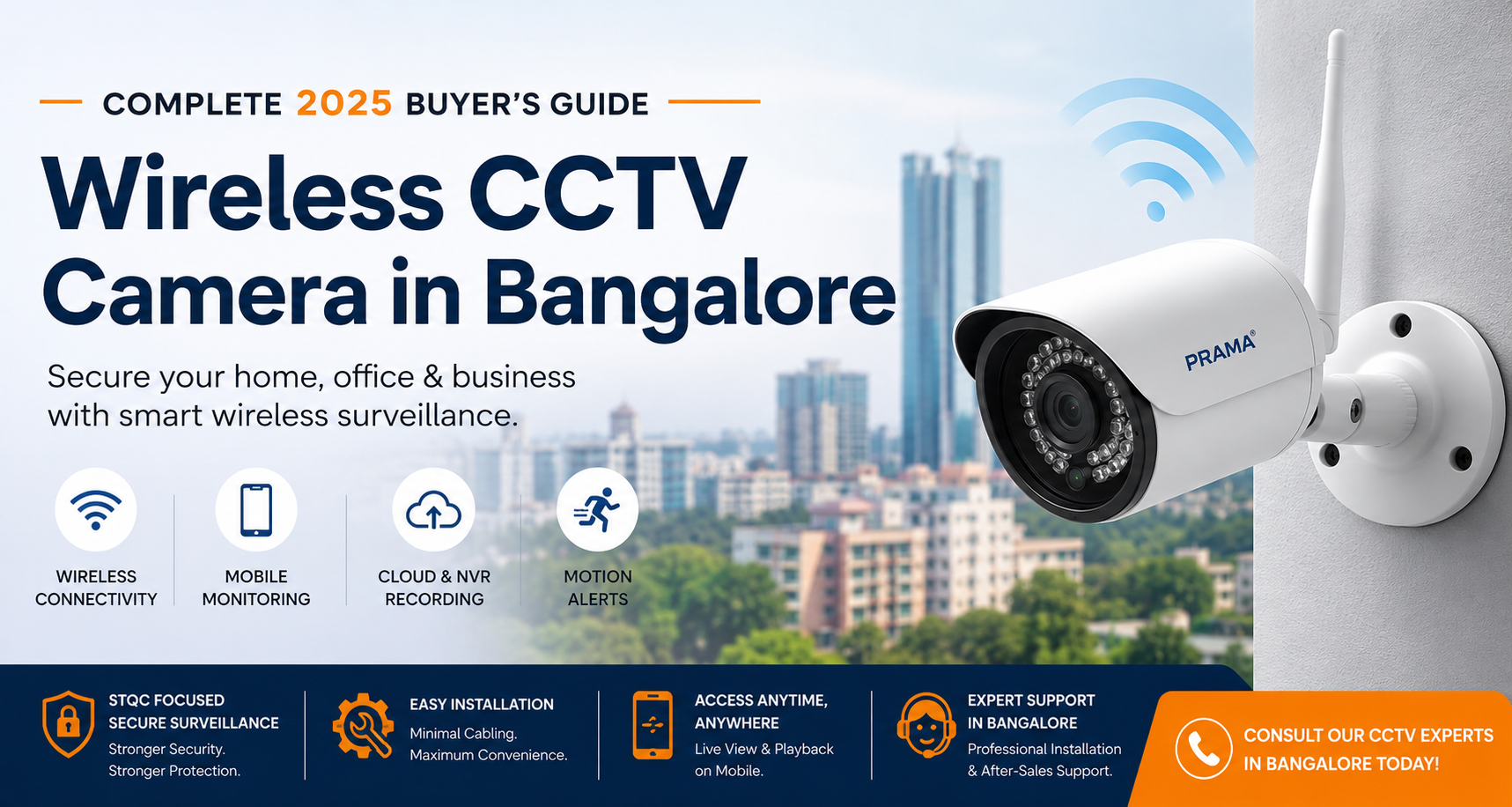
Wireless CCTV Camera in Bangalore: Complete 2025 Buyer’s Guide
Wireless CCTV Camera in Bangalore Buyer Summary
- Wireless CCTV cameras use WiFi or wireless networking to transmit video instead of traditional CCTV cabling.
- Popular types include:
- WiFi CCTV cameras
- Wireless IP cameras
- Battery-powered cameras
- Cloud-connected CCTV systems
- Wireless CCTV is ideal for:
- Apartments
- Villas
- Small offices
- Retail shops
- Clinics
- Temporary surveillance setups
- Major advantages:
- Faster installation
- Minimal wall drilling
- Remote mobile monitoring
- App-based motion alerts
- Flexible camera relocation
- Cleaner interior aesthetics
- Important limitations:
- Depends heavily on WiFi quality
- Vulnerable to hacking if unsecured
- Signal dead zones can affect recording
- Requires power backup planning
- Cloud subscriptions may increase long-term cost
- Wireless CCTV is best for small-to-medium properties, while wired CCTV remains better for:
- Factories
- Large warehouses
- Industrial facilities
- Long-distance surveillance
- STQC-certified CCTV systems are becoming important in India for:
- Cybersecurity compliance
- Secure firmware
- Data protection
- Enterprise-grade surveillance security
- Indoor and outdoor wireless cameras require different specifications:
- Outdoor cameras need weatherproofing, stronger antennas, and better night vision.
- Popular wireless CCTV brands in Bangalore include:
- Prama
- CP Plus
- Hikvision
- TP-Link VIGI
- EZVIZ
- Professional wireless CCTV installation in Bangalore should include:
- WiFi signal assessment
- Proper camera placement
- Secure configuration
- UPS backup planning
- Remote viewing setup
- Wireless CCTV can work without internet for local recording, but remote viewing and mobile alerts usually require internet access.
- For apartments and homes in Bangalore, wireless CCTV is one of the most practical modern security solutions when installed correctly.
Wireless CCTV cameras suit rented homes, balconies, villas, and parking spaces.
Choose wireless when you need flexible installation and minimal wiring.
Wired systems fit large villas, big flats, and long-term homeowners.
Wireless limitations: WiFi stability, power backup, bandwidth, cybersecurity.
- STQC certified CCTV Camera is now mandatory in India for data privacy.
- Yendra Techno Solution offers site surveys, packages, and WhatsApp support for Bangalore homeowners.
Introduction:
A wireless CCTV camera in Bangalore has become one of the most popular security solutions for apartments, homes, offices, retail shops, and commercial properties seeking flexible and modern surveillance. With features such as remote monitoring, AI-powered alerts, mobile access, and minimal cabling requirements, wireless CCTV systems offer a practical approach to protecting people, assets, and property.
However, many buyers mistakenly assume that WiFi cameras, wireless IP cameras, battery-powered cameras, and cloud-connected CCTV systems are the same. Understanding these differences is essential for selecting a surveillance solution that delivers reliable performance, cybersecurity protection, and long-term value.
In this comprehensive guide, you’ll learn how a wireless CCTV camera in Bangalore works, where it performs best, its key advantages and limitations, the importance of STQC certification, and how to choose the right system for your home or business security requirements.
What is a Wireless CCTV Camera?
Q: What is a wireless CCTV camera?
- A wireless CCTV camera is a surveillance camera that transmits video through WiFi or wireless networking instead of traditional CCTV video cables.
- It allows remote monitoring through mobile apps, cloud platforms, or NVR systems.
- Wireless CCTV is commonly used in apartments, homes, offices, and retail shops in Bangalore because of easier installation and minimal cabling.
A wireless CCTV camera is a surveillance camera that transmits video data using WiFi or wireless networking instead of traditional coaxial CCTV cabling.
Unlike older analog CCTV systems, wireless surveillance cameras use IP-based communication to connect with:
- WiFi routers
- NVR systems
- Cloud servers
- Mobile applications
- Remote monitoring dashboards
Wireless CCTV generally falls into four categories:
1. WiFi CCTV Cameras
These connect directly to your home or office WiFi network and allow live monitoring through a mobile app.
Common use cases:
- Apartments
- Small offices
- Indoor home security
- Temporary surveillance
Related keyword:
- wifi cctv camera bangalore
2. Wireless IP Cameras
Wireless IP cameras use digital networking technology and often integrate with NVRs, cloud platforms, AI analytics, and motion detection systems.
These are more suitable for:
- Villas
- Businesses
- Warehouses
- Retail stores
- Multi-camera deployments
Related keyword:
- wireless surveillance camera bangalore
3. Battery Wireless Cameras
Battery-powered cameras operate without continuous power wiring and are usually used for:
- Rental properties
- Temporary monitoring
- Construction sites
- Entry points
Their convenience is high, but battery maintenance and charging cycles become critical.
4. Cloud Connected Cameras
Cloud CCTV systems store recordings online instead of only on local hard drives.
Benefits include:
- Remote backup
- Mobile playback
- Theft-proof storage
- Multi-location access
Limitations:
- Monthly subscription costs
- Internet dependency
- Data privacy considerations
5. Remote Viewing CCTV Systems
Modern wireless CCTV allows remote access through smartphones, tablets, or desktops.
Users can:
- Watch live footage
- Receive motion alerts
- Speak through two-way audio
- Playback recordings remotely
- Monitor multiple locations
For buyers comparing models and camera types, read:
→ Best Wireless CCTV Camera Options for Homes & Offices in Bangalore
How Wireless CCTV Works
Q: How does wireless CCTV work?
- Wireless CCTV cameras capture video and send footage through a WiFi network or wireless bridge.
- The recordings are stored on:
- NVR systems
- SD cards
- Cloud storage
- Users can monitor footage remotely using smartphones or desktop applications.
- Most wireless CCTV cameras still require power supply even though video transmission is wireless.
Many people assume wireless CCTV means completely wire-free surveillance. In reality, most wireless CCTV cameras in Bangalore still require power connections, while the video footage is transmitted wirelessly through WiFi or network infrastructure.
Most wireless cameras still require:
- Power supply
- WiFi connectivity
- Network configuration
The “wireless” component refers mainly to video transmission.
Basic Architecture for Wireless CCTV camera in Bangalore
Camera
The camera captures video and converts it into digital data.
WiFi Router or Wireless Bridge
The footage is transmitted through your network infrastructure.
NVR or Cloud Storage
Recordings are stored either:
- Locally on an NVR
- On SD cards
- On cloud servers
Mobile Monitoring
Users access live footage through mobile applications.
Internet Connectivity
Internet is mainly required for:
- Remote viewing
- Cloud recording
- Mobile notifications
Local recording can still function without internet in many professional systems.
Yendra Pro Tip:
Many failures in wireless CCTV camera in Bangalore happen because cameras are installed without proper WiFi signal testing. Thick concrete walls, metal structures, and router placement can significantly reduce video stability and recording reliability.
Advantages of Wireless CCTV camera in Bangalore
Q: What are the advantages of wireless CCTV cameras?
- Wireless CCTV cameras offer:
- Easy installation
- Minimal cabling
- Remote monitoring
- Smartphone alerts
- Flexible camera relocation
- Cleaner interior aesthetics
- They are widely used in modern homes and offices because of convenience and scalability.
The biggest advantage of a wireless CCTV camera in Bangalore is not the absence of cables—it’s the flexibility to design a surveillance system that can adapt as your security needs evolve. When planned correctly, wireless CCTV can offer faster deployment, easier expansion, and more efficient remote monitoring.
Easy Installation
Minimal cabling reduces:
- Wall drilling
- Interior damage
- Installation time
This is especially useful in:
- Ready-to-move apartments
- Furnished offices
- Retail interiors
Flexible Camera Relocation
Wireless cameras can be repositioned more easily compared to wired systems.
Useful for:
- Renovations
- Temporary monitoring
- Expanding office layouts
- Construction monitoring
Faster Deployment
Wireless systems allow quicker project execution for:
- Small offices
- Shops
- Clinics
- Residential properties
Mobile App Alerts
Modern wireless CCTV supports:
- Motion detection alerts
- Human detection
- Vehicle detection
- Intrusion alerts
- AI analytics
This improves response speed during security incidents.
Remote Access
Property owners in Bangalore increasingly prefer systems that allow:
- Monitoring while traveling
- Multi-property management
- Remote employee supervision
- Vacation home security
Cleaner Aesthetics
Wireless CCTV reduces visible cabling, which is highly preferred in:
- Luxury apartments
- Villas
- Designer interiors
- Glass office spaces
Limitations of Wireless CCTV
What are the disadvantages of wireless CCTV?
- Wireless CCTV limitations include:
- Dependence on WiFi stability
- Signal dead zones
- Potential cybersecurity risks
- Power backup dependency
- Cloud subscription costs
- Poor network planning can affect recording quality and camera reliability.
Wireless CCTV is not perfect for every environment. Understanding limitations helps avoid poor installation decisions.
WiFi Dependency
Weak WiFi signals can cause:
- Video lag
- Camera disconnections
- Recording failures
- Delayed notifications
Large properties often require:
- Mesh WiFi
- Access points
- Wireless bridges
Cybersecurity Risks
Cheap wireless CCTV devices are among the most hacked surveillance products globally.
Risks include:
- Unauthorized access
- Data leakage
- Default password attacks
- Firmware vulnerabilities
This is why STQC-certified and secure firmware-based systems are increasingly important in India.
Signal Dead Zones
Concrete walls, basements, elevators, and industrial structures can reduce wireless performance significantly.
Wireless CCTV planning should include:
- Signal testing
- RF assessment
- Router placement analysis
Power Backup Challenges
Even wireless cameras need power.
During outages:
- Routers fail
- Cameras disconnect
- Cloud uploads stop
UPS backup planning becomes critical in Bangalore power fluctuation scenarios.
Cloud Subscription Costs
Many consumer wireless cameras lock advanced features behind monthly subscriptions.
Costs may include:
- Cloud recording
- AI analytics
- Extended storage
- Multi-user access
Long-term operational cost should be evaluated before purchase.
Yendra Pro Tip:
Cheap DIY wireless cameras often prioritize convenience over cybersecurity. For long-term business or residential security, always choose surveillance systems with secure firmware, strong password management, and trusted brand ecosystems.
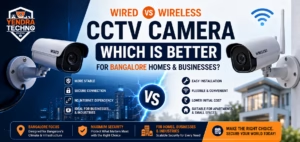
Wireless vs Wired CCTV Camera Comparison
Q: Is wireless CCTV better than wired CCTV?
- Wireless CCTV is better for:
- Apartments
- Small offices
- Rental properties
- Quick installations
- Wired CCTV is better for:
- Factories
- Warehouses
- Industrial facilities
- Large properties requiring maximum stability
- The best option depends on property size, WiFi quality, and surveillance requirements.
| Feature | Wired CCTV | Wireless CCTV |
|---|---|---|
| Stability | Very High | Depends on WiFi |
| Installation | Complex | Faster |
| Scalability | Excellent | Moderate |
| Internet Dependency | Low | Higher |
| Aesthetic Impact | More cabling | Cleaner |
| Best For | Large projects | Homes & small offices |
| Cybersecurity | Easier to isolate | Requires stronger protection |
Wireless CCTV is ideal for:
- Apartments
- Small offices
- Rental properties
- Quick deployments
Wired CCTV remains stronger for:
- Factories
- Large warehouses
- Industrial security
- Long-distance surveillance
Read the detailed comparison:
→ Wired vs Wireless CCTV Camera: Which is Better for Bangalore Properties?
Not Sure Whether Wireless CCTV is Right for Your Property?
Different buildings in Bangalore have different surveillance challenges. Apartments, villas, offices, warehouses, and retail shops all require different camera planning strategies.
→ Book a CCTV Consultation with Yendra
Why STQC Certification Matters For Wireless CCTV camera in Bangalore
Q: Are wireless CCTV cameras hackable?
- Yes, poorly secured wireless CCTV cameras can be vulnerable to hacking.
- Security risks increase when users:
- Keep default passwords
- Ignore firmware updates
- Use low-quality brands
- Choosing secure and STQC-focused surveillance systems helps improve cybersecurity protection.
Q: Why is STQC certification important for CCTV cameras?
- STQC certification helps improve CCTV cybersecurity and compliance standards in India.
- It focuses on:
- Secure firmware
- Data protection
- Cybersecurity practices
- Safer surveillance infrastructure
- STQC-aware CCTV systems are becoming increasingly important for businesses, enterprises, and security-focused installations.
A high-resolution camera can still become a security risk if its software is vulnerable. When selecting a wireless CCTV camera in Bangalore, look beyond megapixels and consider cybersecurity-focused factors such as secure firmware, regular updates, encrypted communication, and STQC-aligned security standards.
STQC (Standardisation Testing and Quality Certification) is an Indian government-backed certification framework focused on security and compliance standards.
Why It Matters for CCTV
Cybersecurity Compliance
STQC-certified systems follow stronger cybersecurity practices to reduce:
- Unauthorized access
- Firmware manipulation
- Remote exploits
Secure Firmware Standards
Professional surveillance brands increasingly focus on:
- Encrypted communication
- Secure firmware updates
- Tamper resistance
Data Protection
Security footage contains sensitive information:
- Residential movement patterns
- Employee activities
- Customer interactions
- Operational footage
Secure CCTV systems reduce exposure risks.
Indian Regulatory Relevance
Government and enterprise projects in India are increasingly prioritizing secure surveillance ecosystems aligned with compliance frameworks.
This trend is expected to expand across:
- Enterprises
- Schools
- Healthcare
- Industrial sectors
Read more:
→ STQC Certified CCTV Cameras: Why They Matter in India
Best Applications for Wireless CCTV Camera in Bnagalore
Q: Is wireless CCTV good for homes in Bangalore?
Yes, wireless CCTV is highly suitable for homes and apartments in Bangalore because it offers:
Faster installation
Minimal wall drilling
Remote mobile monitoring
Smart motion alerts
Flexible camera placement
Wireless CCTV works especially well in apartments, villas, and rental properties with stable WiFi coverage.
The most effective wireless CCTV camera in Bangalore is not necessarily the most expensive one. The right solution depends on property size, WiFi coverage, security risks, blind spots, and future expansion plans. This is why different environments—from apartments to warehouses—require different surveillance architectures.
Apartments
Ideal for:
- Entry doors
- Indoor monitoring
- Balcony surveillance
- Parking visibility
Best suited because:
- Minimal drilling
- Faster setup
- Easy relocation
Related:
→ Best CCTV Camera for Apartments in Bangalore
Villas
Wireless systems work well for:
- Indoor coverage
- Garden monitoring
- Smart home integration
However, larger villa compounds may still require hybrid wired infrastructure.
Related:
→ Villa CCTV Security Solutions in Bangalore
Offices
Office wireless CCTV is ideal for:
- Small startups
- Co-working spaces
- Reception areas
- Conference rooms
Related keyword:
- office wireless cctv bangalore
Related:
→ Office CCTV Installation Bangalore
Retail Shops
Useful for:
- POS monitoring
- Customer tracking
- Theft prevention
- Staff supervision
Related:
→ Retail Shop CCTV Solutions Bangalore
Warehouses
Wireless CCTV can support:
- Temporary zones
- Entry points
- Inventory monitoring
But industrial-grade wired systems are still preferred for larger facilities.
Related:
→ Warehouse CCTV Security Systems Bangalore
Construction Sites
Battery-powered wireless cameras are highly useful for:
- Temporary surveillance
- Remote site monitoring
- Theft prevention
Schools
Schools use wireless surveillance for:
- Corridors
- Classrooms
- Reception monitoring
- Entry gates
Clinics
Wireless CCTV helps clinics monitor:
- Reception areas
- Pharmacy counters
- Patient waiting areas
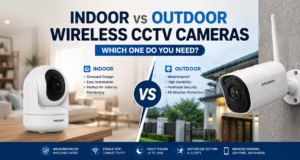
Indoor vs Outdoor Wireless Cameras
Q: Does wireless CCTV work without internet?
- Yes, many wireless CCTV systems can continue local recording without internet if connected to:
- NVR storage
- SD card storage
- However, internet is usually required for:
- Remote viewing
- Mobile alerts
- Cloud backup
- Remote playback access
One of the most common mistakes when selecting a wireless CCTV camera in Bangalore is assuming that indoor and outdoor cameras perform the same. Outdoor environments require weather-resistant surveillance systems that can withstand rain, dust, heat, and power fluctuations common in Bangalore conditions. THerefore, Understanding the key differences helps ensure better surveillance coverage, durability, and long-term reliability.
Indoor Cameras
Focus on:
- Compact design
- Two-way audio
- Smart monitoring
- WiFi convenience
Outdoor Cameras
Require:
- Weatherproof protection
- Night vision
- Better antennas
- Wider coverage
- Higher durability
Outdoor wireless systems in Bangalore must handle:
- Dust
- Rain
- Heat
- Voltage fluctuations
Read more:
→ Indoor vs Outdoor Wireless CCTV Cameras
Yendra Pro Tip:
Outdoor wireless cameras in Bangalore should always include:
- IP66 weather protection
- Stable night vision
- Surge protection support
- Reliable WiFi range
- UPS-backed networking equipment
Otherwise, even high-resolution cameras may fail during rain or power fluctuations.
Best Brands of Wireless CCTV camera in Bangalore
Q: Which wireless CCTV brands are popular in Bangalore?
- Popular wireless CCTV brands in Bangalore include:
- Prama
- CP Plus
- Hikvision
- TP-Link VIGI
- The best brand depends on security goals, property size, cybersecurity needs, and installation quality.
Several brands dominate the market of wireless CCTV camera in Bangalore. Choosing the right one depends on security requirements, reliability, firmware quality, and long-term support.
Prama
Strong for:
- STQC-focused positioning
- Enterprise-grade surveillance
- Indian market alignment
- Professional installation ecosystems
Best suited for:
- Businesses
- Villas
- Industrial users
- Compliance-focused projects
Related:
→ Prama CCTV Cameras in Bangalore
CP Plus
Popular for:
- Budget-friendly systems
- Wide dealer network
- Residential installations
Hikvision
Known for:
- Advanced AI features
- Large ecosystem
- Enterprise scalability
TP-Link VIGI
Suitable for:
- Small businesses
- Home WiFi surveillance
- Integrated networking ecosystems
Installation of Wireless CCTV camera in Bangalore
Professional installation of wireless CCTV camera in Bangalore matters more than most buyers realize.
Poor wireless deployment can lead to:
- Weak signal coverage
- Recording instability
- Security vulnerabilities
- Mobile access failures
A professional installation process should include:
- Site inspection
- WiFi signal analysis
- Camera placement planning
- Cybersecurity hardening
- UPS backup recommendations
- Storage estimation
- Remote viewing setup
For reliable long-term performance, businesses and homeowners in Bangalore should avoid purely DIY deployments for critical surveillance environments.
Related keywords:
- wireless cctv installation bangalore
- home wireless cctv bangalore
- office wireless cctv bangalore
Yendra Installation Insight:
A professional wireless CCTV installation is not just about mounting cameras. Proper deployment includes network planning, signal stability testing, cybersecurity hardening, recording optimization, and future scalability assessment.
FAQ — About Wireless CCTV Cameras in bangalore
Yes. A wireless CCTV camera works well for apartments, rented homes, balconies, and independent houses where flexible installation is needed without heavy wiring.
Only if you use a mini UPS for the camera and a UPS for your WiFi router. Without backup, most wireless cameras will go offline during Bangalore’s outages.
You need 25–40 Mbps upload speed for stable streaming. Large homes or villas may need mesh WiFi systems for proper coverage.
Yes. It’s ideal because installation requires minimal drilling and can be removed without damaging the property.
They are secure if you enable strong passwords, WPA2/WPA3 encryption, two-factor login, and cloud storage. Yendra Techno Solution configures these during installatio
A hybrid system is best. Use wired cameras for crucial perimeter points and wireless cameras for flexible indoor coverage.
Most cameras work best within 10–20 meters. Walls, grills, and floors reduce range, so extenders or mesh routers may be needed.
For apartments in Bangalore, compact WiFi CCTV systems with:
- Mobile monitoring
- Motion alerts
- Night vision
- Secure firmware
- Cloud or NVR recording
are typically the best choice.
Final Thoughts
Wireless CCTV is no longer just a convenience product. In Bangalore’s rapidly evolving residential and commercial security landscape, wireless surveillance has become a practical solution for modern properties that prioritize flexibility, remote monitoring, and smart security integration.
However, choosing the right wireless CCTV camera requires understanding:
- Network infrastructure
- Cybersecurity
- Storage architecture
- Signal planning
- Environmental suitability
- Compliance considerations
The best results come from combining:
- Reliable hardware
- Secure installation
- Proper WiFi planning
- Professional deployment strategy
For homes, offices, retail shops, and growing businesses in Bangalore, wireless CCTV can deliver highly effective surveillance when designed correctly.
Need Help Choosing the Right Wireless CCTV Camera in Bangalore?
Every property has different surveillance requirements. A wireless CCTV system that works perfectly for a small apartment may fail completely in a warehouse or multi-floor office setup.
At Yendra Security Systems, we help homeowners, offices, retail shops, and businesses across Bangalore choose secure, reliable, and properly planned wireless surveillance systems based on:
- Property layout
- WiFi coverage
- Security risk level
- Remote monitoring needs
- Storage requirements
- Cybersecurity considerations
- STQC-focused compliance awareness
Our wireless CCTV consultation includes:
- Site assessment
- Camera placement planning
- WiFi signal evaluation
- Secure installation
- Mobile app setup
- NVR/cloud configuration
- Future scalability recommendations
Talk to an Expert on Wireless CCTV Camera in Bangalore
- Get a professional security consultation
- Compare wireless vs wired options
- Identify blind spots before installation
- Choose the right camera for your property type
→ Contact Yendra for Wireless CCTV Installation in Bangalore
Call or WhatsApp: +91 93533 16120
Related Posts, News & Articles